First connected workflow
From a requirement to recorded evidence.
Use a sample rule: a password-reset link can be used only once. This guide describes a fictional demonstration, not a security finding about Yetea.
Build the connection.
Create your workspace.
Choose Start free, complete registration, and verify your primary email using the message sent to you. Sign in to enter your organization. Invite a teammate through organization settings when ready.
Create a project.
Use Add Project on Dashboard, enter the project name and description, then choose Create Project. The sample uses Sample Release.
Write the requirement.
Open Docs and choose New document. Give it a title and write the single-use rule. Wait for autosave before linking the source.
Connect a task to its source.
Create the task Reject a reused password-reset token from Tasks using Add task. Return to the document, place the cursor in the requirement block and open Document traceability. Choose Task as the target type, select the task and choose Link source.
Define and link the Test Case.
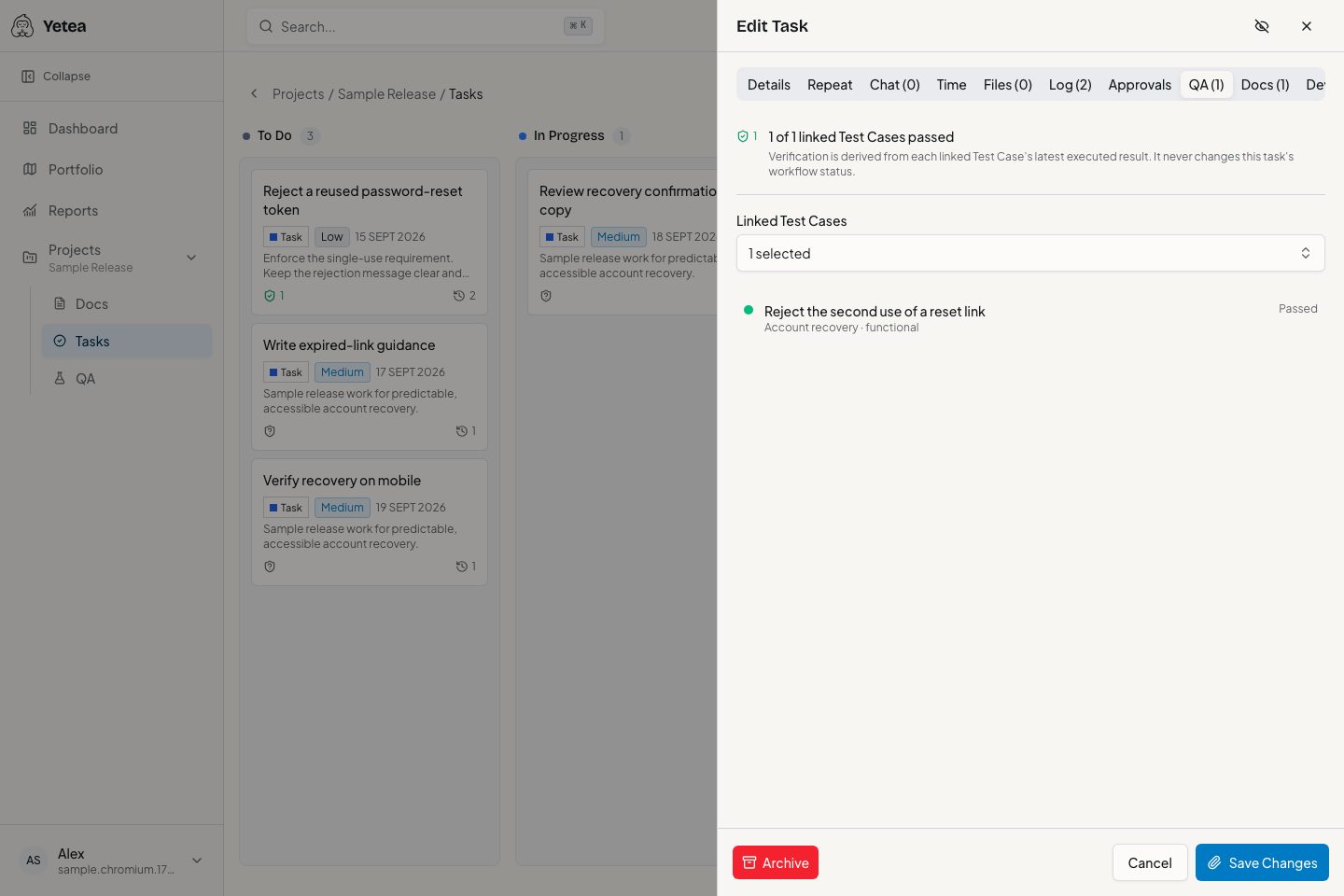
In QA, create a case with preconditions, steps and an observable expected result. In Document traceability, choose Test case as the target type, select the case and choose Link source. In the task's QA tab, use Link Test Cases to select the case as linked coverage.
Record execution.
Choose Create test run, enter a title, select the case and choose Start Test Run. Open the run and record Passed, with a note describing the rejected second use.
Inspect the task and revision.
Return to the task and inspect its QA verification. The passing signal does not move the task to Completed. Open the run to inspect the recorded result. The executed Test Case revision is retained with the result in Yetea's records.
See what changes after a case edit.
Edit the Test Case's expected result and save. The earlier executed revision remains in the run, while linked task verification can become Stale. Execute the updated case to obtain current evidence.