Retain the executed revision
Later edits do not rewrite the Test Case definition attached to recorded execution.
Native test management
Manage Test Cases and Test Runs beside requirements and delivery work. Keep execution results connected to the exact instructions that were tested.
Suites and nested sections organize your cases. Give each case preconditions, steps and an observable expected result; use ownership, templates and custom fields to keep authoring consistent.
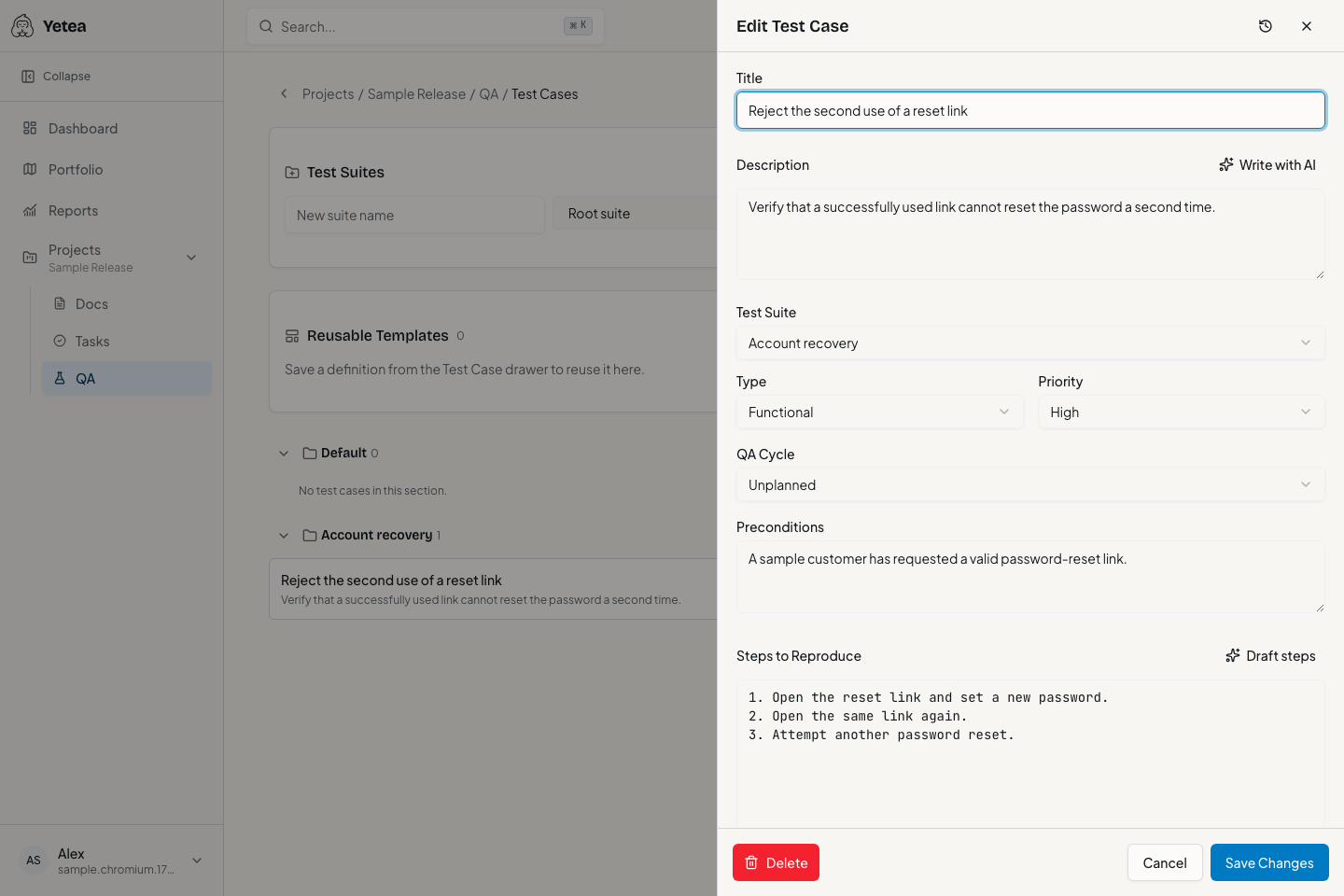
Search and select suites or cases, create a Test Run, and record results with notes. Track Pending, Passed, Failed, Blocked and Skipped outcomes.
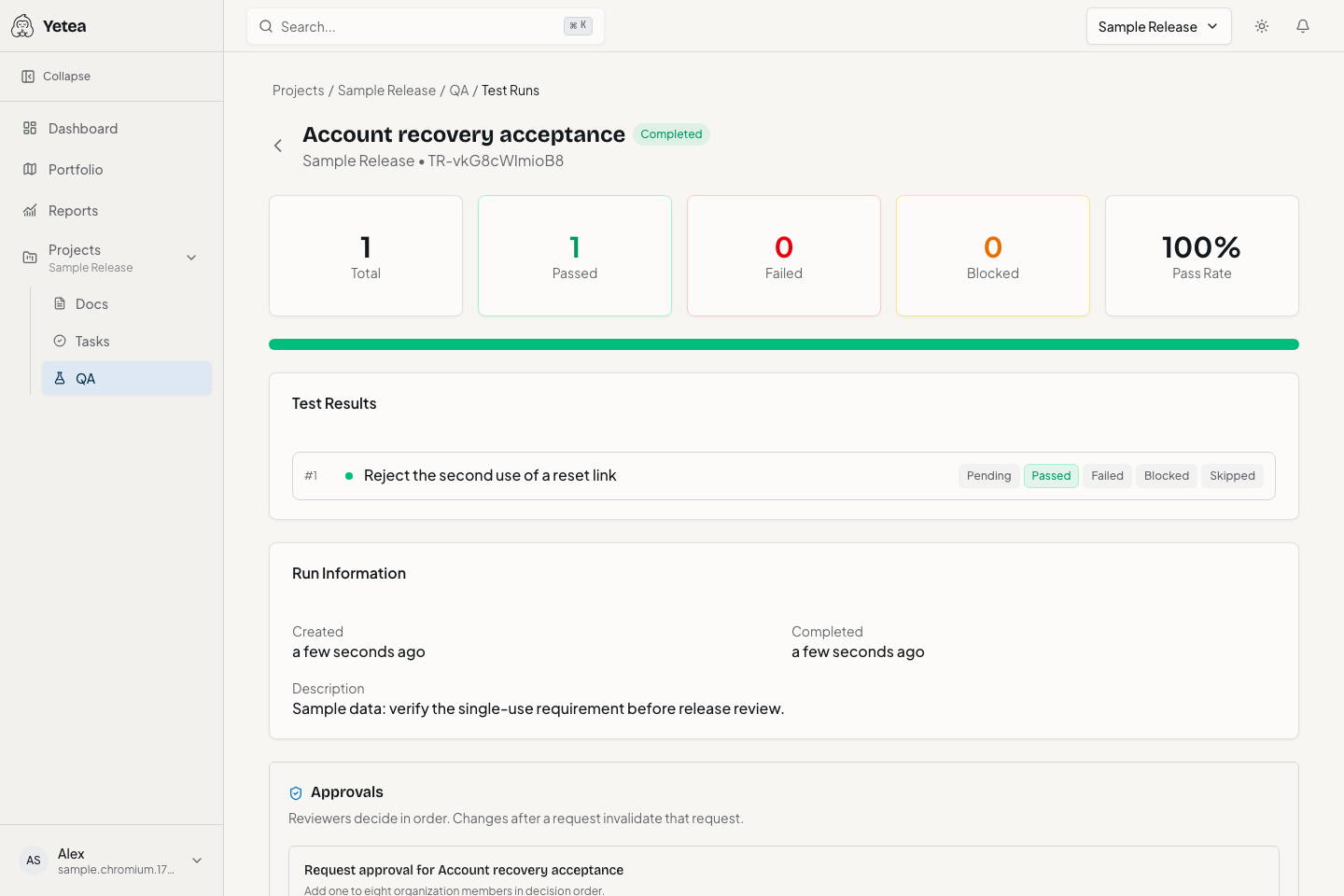
Later edits do not rewrite the Test Case definition attached to recorded execution.
Inspect changes between definitions. Restoring creates a new revision and preserves the history.
Create a linked defect from a failed or blocked result, keeping the original evidence accessible.
Submit JUnit reports through the scoped integration API. Results match existing Test Cases by supported ID/title rules; ambiguous and unmatched entries receive diagnostics. Yetea consumes the report rather than running tests itself.
GitHub Actions and GitLab CI examples describe report submission, not native repository integrations with both providers.
Compatible QA CSV/XML imports and exports help you move a library. Confirm the format with support before migrating.
Ask about import compatibilityYes. Test Runs manage execution in their own right. Linking a Test Case to a task adds a verification signal to that task.
Executed revisions remain in history. Linked task evidence can become stale until the changed case is tested again.
No. Files must match supported QA schemas. A generic traceability spreadsheet is not a native QA import file.
Ship confidently. Breathe easy.
Keep the requirement, the work, and the test evidence together. Start with one real project.